OpenAI Dots Explained: Always-On Agents, Price & the Open-Source Answer
At DevDay on 29 September 2026, Sam Altman called it "more ambitious than ChatGPT": Dots — always-on agents that keep working after you log off, each with its own cloud computer. Two days later, an open-source clone shipped on GitHub claiming the same capabilities at 1/10th the cost. Here is what Dots actually are, what they cost, how they compare to Meta's Muse — and the self-hosted alternatives, with an honest verdict for Indian businesses.
What Dots actually are (DevDay facts)
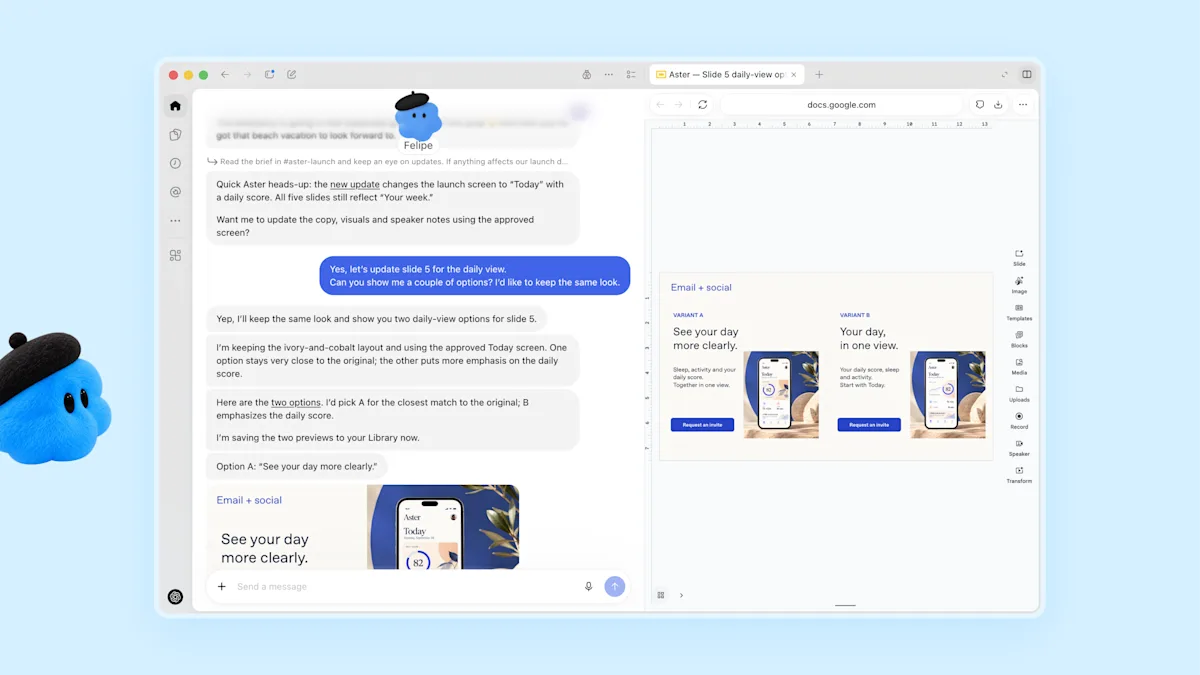
Dots are personal agents powered by GPT-6 Astra — OpenAI's best coding model to date. You create one "primary dot", give it a name, and hand it goals. It then works across 4,000+ connected apps with its own browser and computer, messaging you with updates and questions like a text conversation, or over a voice call from ChatGPT web, desktop or mobile. They also live inside Slack and Microsoft Teams (context carries across), with SMS texting announced as coming soon. Teams can share a Dot inside ChatGPT Space, a new collaborative workspace.
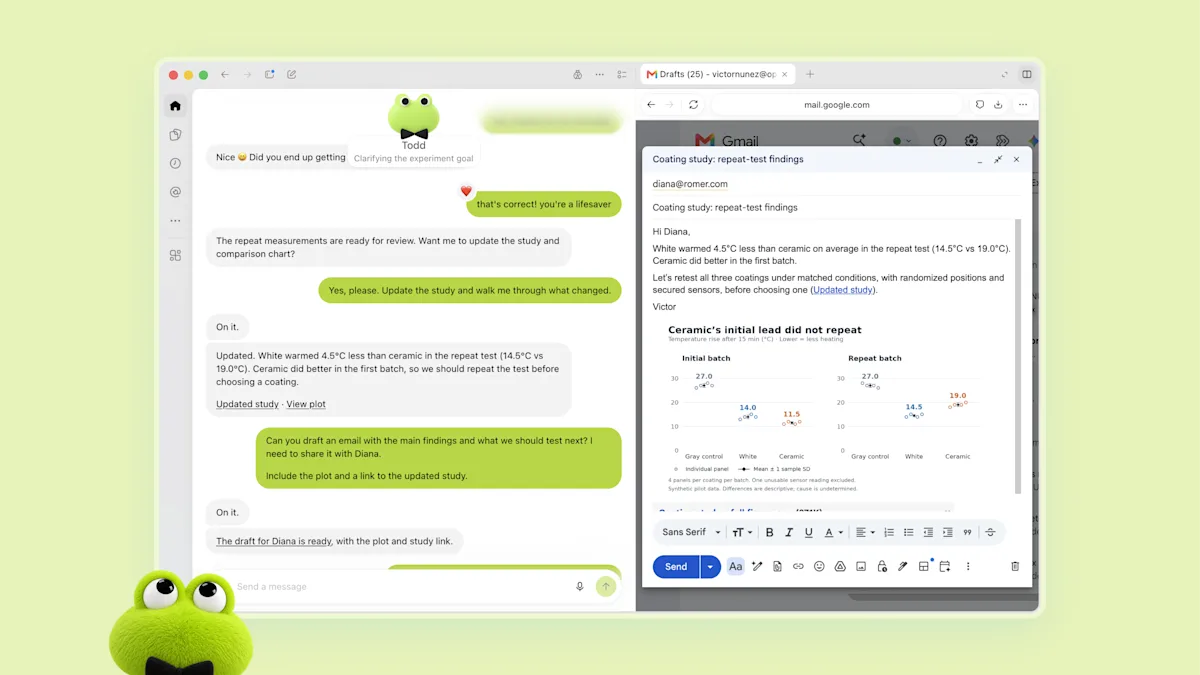
- Developer example: a Dot watches customer feedback, scopes fixes, builds + tests updates, and returns finished pull requests with a video showing its changes
- Creator example: a Dot reviews an interview transcript, finds clip moments, writes show notes and social posts
- Internal example: at OpenAI itself, Dots start investigating the moment a bug appears in Slack
- Enterprise: "specialist Dots" with their own identity, credentials and system access — tested in procurement, invoicing, email marketing, support and contracting; Microsoft Agent 365 governance integration in progress
How they work: cloud computer + guardrails
The big architectural idea: your computer and the Dot's computer are separate. The Dot works in its own cloud environment (you can open it and watch), and only touches your laptop if you explicitly connect it. Two safety layers matter:
Read-only proactive research
When you're not actively working with it, a Dot may go looking for ways to help across connected apps — but that access is read-only: no messages sent, no content changed, no browser driven. Finding work is separated from acting on it.
Auto-review + Custom Rules
Anything touching your accounts passes an auto-review gate checked against your instructions and OpenAI's safety requirements. Your Custom Rules decide per-action: proceed alone, ask approval, or block. Password changes always stay human. Everything — including background work — is visible in an Activity View where you can redirect the Dot mid-task. OpenAI is honest about the limit: Dots can still make mistakes — review consequential work.
Context: the day before DevDay, OpenAI delayed a model launch over safety issues found in testing (BBC/Guardian). Dots shipped with the guardrails above — but an always-on agent reading thousands of apps is exactly the surface prompt-injection attacks love. The architecture is thoughtful; the threat is real.
Price & availability
- Who gets it: ChatGPT Pro, Business Premium and Enterprise (admin-enabled; Edu/Healthcare beta) — eligible markets first, one Dot per user to start, teams of Dots later
- Cost: one Dot included at no extra cost; conversations don't count toward ChatGPT limits, but tasks run in Codex/ChatGPT Work draw from those allowances; extended limits for the first month
- Coming: add more Dots, scale a Dot's speed or monthly workload — i.e. agent capacity becomes the billable unit
Want a 24/7 agent on YOUR tools? Tell me your business and I'll map whether Dots, Muse, or a self-hosted build fits — with real cost math, free.
Dots vs Muse: honest table
| OpenAI Dots | Meta Muse | |
|---|---|---|
| Brain | GPT-6 Astra (best-at-coding) | Muse agent (Meta) |
| Work environment | Own cloud computer + browser | Cloud computer + browser |
| App reach | 4,000+ apps, Codex, ChatGPT Work | 15 launch connectors + Meta surfaces |
| Reach into your life | ChatGPT, Slack, Teams, voice, SMS soon | Meta ads, Instagram, WhatsApp, 3.3B users |
| Team use | ChatGPT Space + specialist Dots | Goals + skills, US/Canada rollout |
| Price entry | Pro plan and up | Free tier → ~$20–100/mo |
| Safety story | Read-only research, auto-review, custom rules | Approval gates (early incident: address shared on Marketplace) |
Short version: Dots win at deep work (code, analysis, multi-app projects). Muse wins at consumer reach (if your customers live on Instagram/WhatsApp, no contest).
Open-source alternatives (GitHub)
1. Open Dots — the direct answer (MIT)
Two days after DevDay, Composio co-founder Karan Vaidya shipped github.com/Anil-matcha/open-dots: a self-hosted agent workspace porting the resident-agent concept — chat, tool use, pre-execution approvals, connectors via Composio (1,000+ apps: Notion, GitHub…), computer tasks, assistant roles. Claimed positioning: same capabilities at 1/10th the cost. MIT means commercial use is free. (Name warning: open-dots.dev is an unrelated project — use the GitHub repo.)
2. nanobot — ultra-lightweight runner (Python)
github.com/hkuds/nanobot: self-hosted agent in a small readable core — WebUI/terminal/Telegram/Discord/Slack, tools + shell + web, long-term memory, MCP, cron automation, subagents, OpenAI-compatible API (works with local Ollama too). Best when you want one file-ish codebase you fully understand.
3. OpenClaw-style personal agents
The early-2026 wave (OpenClaw and its many forks): always-on assistants living in your chat apps that run tools on your machine/vps. Most capable, most hands-on — you own the server, the keys and the failures.
4. Thoth / AnythingLLM (memory-first)
519lab/thoth-agent (MIT): PostgreSQL-backed memory that consolidates instead of accumulating, WhatsApp/Telegram/Signal gateway, cron, subagents. AnythingLLM (MIT): local-first documents + RAG + no-code agent builder with MCP. Pick these when the job is knowing your business, not just doing tasks.
Dots vs Open Dots: difference table
| OpenAI Dots | Open Dots (self-hosted) | |
|---|---|---|
| Runs on | OpenAI's cloud computers | Your server/laptop |
| Brain | GPT-6 Astra (frontier) | Any model you point it at |
| Connectors | 4,000+ via OpenAI ecosystem | 1,000+ via Composio + MCP you add |
| Approvals/audit | Auto-review, custom rules, activity view | Pre-execution approvals, you own logs |
| Data | OpenAI's cloud (B2B not trained on by default) | Never leaves your machine |
| Cost shape | Plan + capacity scaling | Server + model tokens (~1/10th claimed) |
| You manage | Nothing | Uptime, updates, backups |
Governance is the real battleground now — not capability. Every vendor ships conversation + tools + approvals + connectors. The questions that decide: where does it run, what needs approval, who audits. Self-hosted wins all three; managed wins convenience.
Indian business verdict + bottom line
- On Pro already + deep project work? Claim your Dot, start with ONE read-only research workflow, keep approvals on for 30 days.
- Customers on WhatsApp/Instagram, budget tight? Skip the waitlists — a self-hosted build (Open Dots/nanobot + WhatsApp Business API + UPI reminders) does the Indian version of this story today, data stays home.
- Regulated data (school, clinic, finance)? Self-host or Enterprise-with-residency only. No exceptions.
The 48 hours after DevDay were the pivot: the always-on agent moved to the cloud, and the open answer shipped the same week. Dots for depth, Muse for reach, self-hosted for control. Pick by where your customers are and where your data must stay — then measure glue-hours saved before scaling, same rule as always.
FAQs
What are OpenAI Dots?
Always-on agents (DevDay, Sep 29 2026) on GPT-6 Astra, each with its own cloud computer and browser, 4,000+ apps, working 24/7 and messaging you updates.
How much do Dots cost?
One Dot included in Pro/Business Premium/Enterprise; chats don't count toward limits; heavier tasks use Codex/Work allowances. More Dots + capacity scaling coming.
What is Open Dots on GitHub?
MIT-licensed self-hosted agent workspace (Anil-matcha/open-dots) — chat, tools, approvals, Composio connectors, computer tasks — claiming 1/10th the cost.
Dots vs Muse?
Dots for deep work and code; Muse for consumer reach (Meta/WhatsApp). Indian SMBs often win with self-hosted today.
Keep reading:
Dots, Muse or self-hosted? Idea Creatorz scopes the agent on your actual stack — with WhatsApp + UPI where it matters. One workflow live in 30 days.